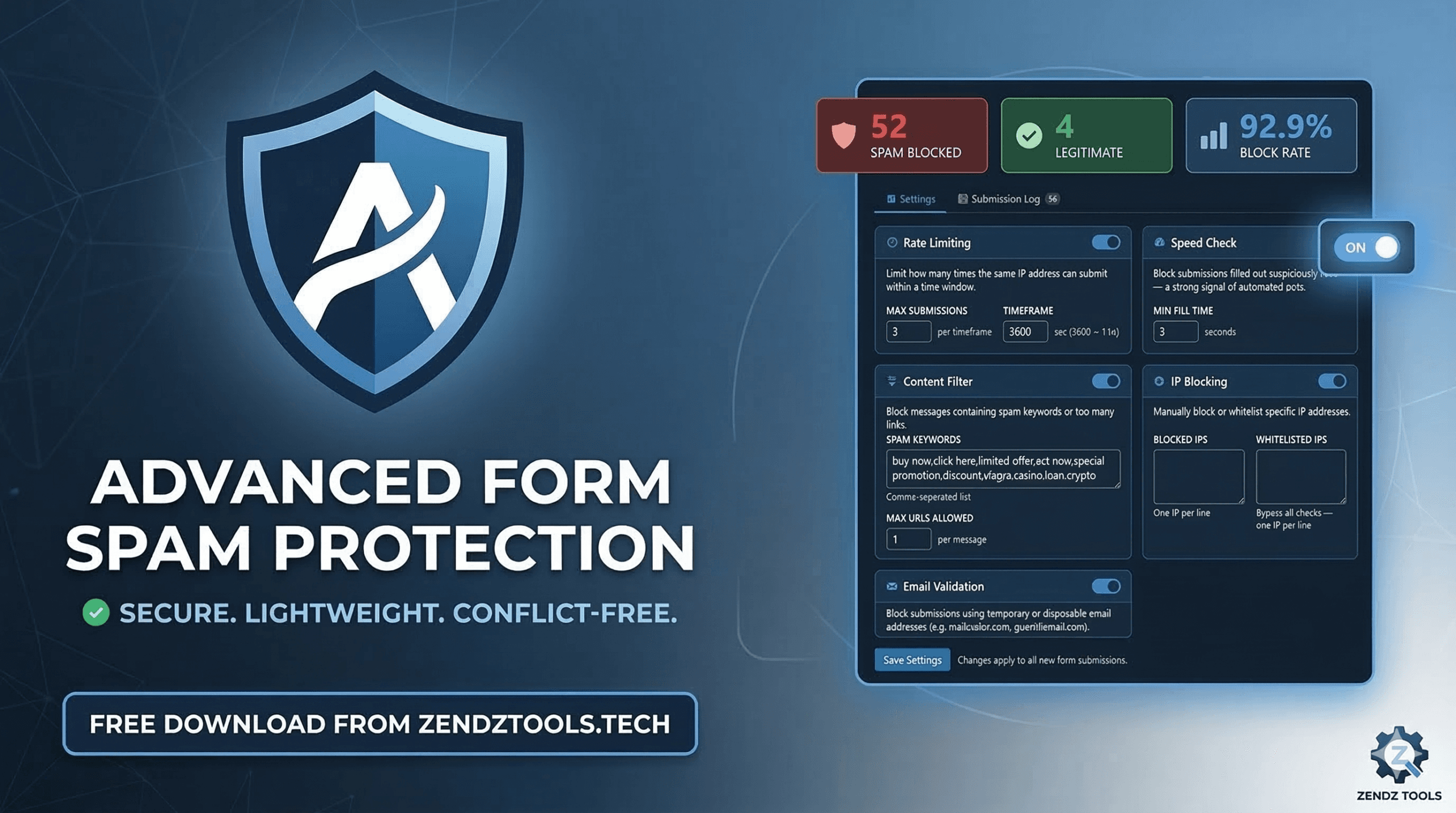
Stop Contact Form 7 Spam Without Blocking Your Real Clients
If you use Contact Form 7 (CF7) on WordPress, you know the struggle. One morning you wake up, check your inbox, and instead of a new lead, you have 400 messages about “SEO services” or “Crypto schemes.”
You install a spam plugin, and the spam stops—but so do your sales.
That’s because most spam filters are too aggressive. They block real people for silly reasons, like leaving a tab open too long or using a common word like “discount.” I decided to fix this. I built Advanced Form Spam Protection to be the smartest, lightest, and most reliable shield for your WordPress forms.
Why Most Spam Plugins Fail
Traditional filters often use “honeypots” or “time-out” methods that are outdated.
-
The “Slow Poke” Problem: If a real client starts a message, gets a phone call, and finishes 10 minutes later, many plugins block them as “expired.”
-
The “Office IP” Problem: If three people in the same office submit a form, aggressive rate-limiting blocks the third person as a “bot.”
-
The “Keyword” Problem: Blocking the word “price” might stop a bot, but it also stops a customer asking for a quote.
Pro Tip: Before you launch a new contact page, use our SERP Preview to see how your form page looks in Google, and ensure your Meta Tags are optimized to attract real humans, not just bots.
A Multi-Layered Approach to Security
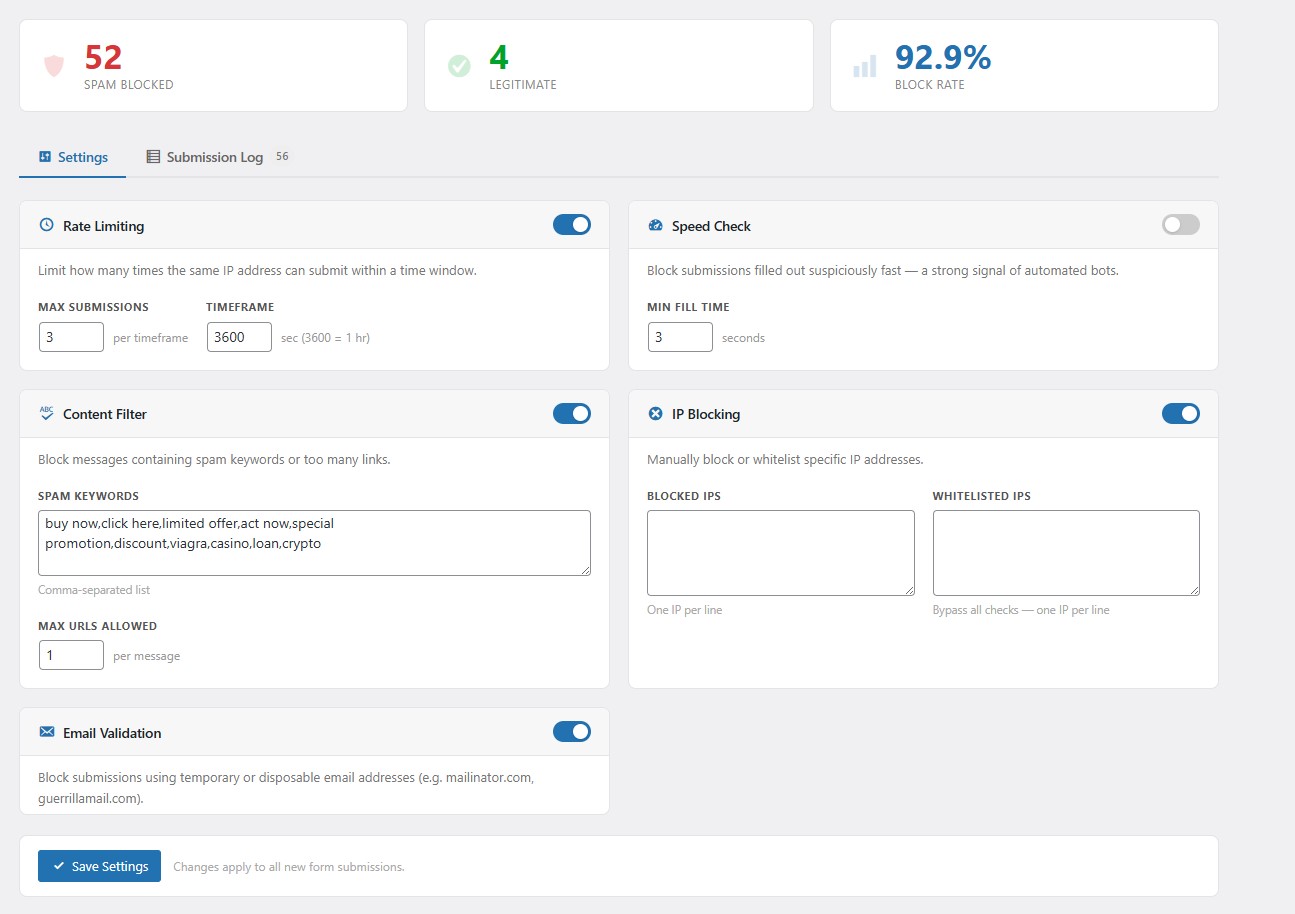
I built this plugin to look at behavior, not just the content. Here is how it keeps your inbox clean:
1. Speed & Bot Detection
Humans take time to type. Bots “fill and fire” in milliseconds. Our plugin detects these near-instant submissions and stops them. If you are testing your own forms, you can even use our Lorem Ipsum Generator to paste realistic text and see how the speed check reacts to human-like input.
2. Intelligent Rate Limiting
Instead of a “blanket block,” our plugin monitors submission frequency. It stops flood attacks from a single IP while keeping the door open for legitimate users.
3. Disposable Email Filtering
We maintain a database of “throwaway” email providers. If a bot tries to use a temporary inbox to bypass your filters, they get stopped at the gate.
4. Full Manual Control
Sometimes you just want to block a specific person. Our clean dashboard gives you a live submission log where you can block any IP address with a single click.
🛡️
Ready to secure your forms?
Built for Developers, by a Developer
I know how frustrating it is to install a plugin only for it to break your theme. That’s why I followed strict WordPress coding standards:
-
Zero Bloat: Lightweight PHP that won’t impact your PageSpeed.
-
No Conflicts: Developed using standard hooks. If you ever need to debug your site’s code, our JSON Formatter and SQL Formatter are great companions for cleaning up your data logs.
-
Privacy First: We don’t “phone home.” Your data stays on your server, keeping you GDPR/CCPA compliant.
-
100% Free: No “Premium” upsells. No hidden limits.
How to Get Started
-
Download: Get the plugin zip file here on Zendz Tools.
-
Upload: Go to your WordPress “Plugins” section and upload the
.zip. -
Optimize: Once active, check your dashboard. While you’re at it, make sure your site is easy to find by generating a Robots.txt file and an XML Sitemap.