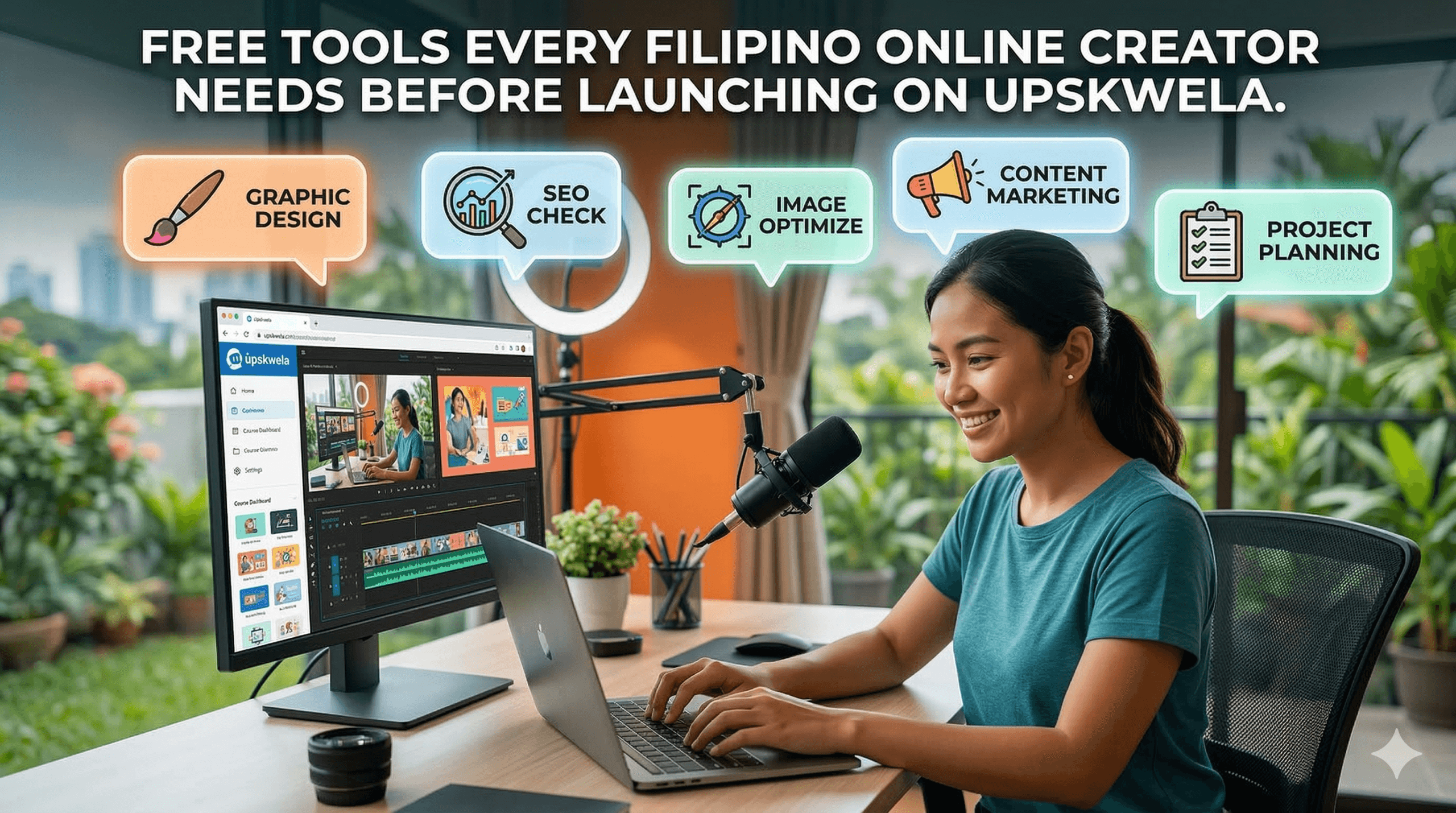
Free Tools Every Filipino Online Creator Needs Before Launching on Upskwela
Upskwela is making it easier than ever for Filipino creators to earn from their expertise — courses, memberships, live events, all with GCash and Maya payments. But before you hit Publish, there’s a whole layer of preparation most creators skip: SEO, branding, content quality, and technical polish.
That’s exactly where Zendz Tools comes in — 52+ free, no-login tools built for developers, marketers, and creators. In this post, we’ll walk through exactly which tools to use and when, so your Upskwela launch is fully optimized from day one.
Why “Good Content” Alone Isn’t Enough
You can have the most insightful course on Filipino digital marketing, freelancing, or graphic design — but if your landing page doesn’t show up on Google, your OG image looks broken when shared on Facebook, or your course description is hard to read, you’re leaving potential students on the table.
The good news? Most of these gaps take less than 10 minutes to fix — and all the tools you need are completely free.
Step 1 — Nail Your SEO Before You Launch
Whether you’re driving traffic to your Upskwela community page or a dedicated landing site, search engine visibility matters. Here’s a quick pre-launch SEO checklist you can power entirely with free tools:
Write a compelling meta title and description. Use the Meta Tag Generator to create properly formatted HTML tags that tell Google exactly what your page is about. Pair it with the SERP Preview to see how it’ll look in search results before publishing.
Check your content’s readability and length. Paste your course description or blog post into the Readability Scorer and Word Counter. Aim for a Flesch reading ease score above 60 — especially important for beginner-level courses.
Create clean, keyword-friendly URLs. Run your course title through the Slug Generator to get a clean, hyphenated URL slug. Small detail, big SEO impact.
Set up your Open Graph tags. When students share your Upskwela course link on Facebook or Messenger, what do they see? Use the Open Graph Generator to make sure your link previews look polished and professional.
Preview your page exactly as Google sees it
Step 2 — Design Assets That Actually Look Good
Upskwela communities with strong visual branding convert better. Your course thumbnail, community cover photo, and promotional banners need to be the right sizes and look sharp across all platforms.
Before uploading any image to Upskwela or your socials, run through these:
- Check the correct dimensions with Social Media Image Sizes
- Resize your image with the Image Resizer
- Crop and reframe using the Image Cropper
- Compress it using the Image Optimizer before uploading
- Build a consistent brand palette with the Color Palette Generator
- Generate a favicon for your site with the Favicon Generator
A wrongly-sized thumbnail can ruin an otherwise great post — especially when promoting on Facebook, Instagram, and TikTok alongside Upskwela.
Step 3 — Write Content That Gets Found and Shared
Many Upskwela creators write blog content, newsletters, or social posts to drive awareness to their courses. Here’s a pre-publish checklist to run through every time:
- Title is between 50–60 characters — check with Word Counter
- Meta description is under 155 characters — Meta Tag Generator
- Readability score is above 60 for general audiences — Readability Scorer
- Keyword density is 1–2% for your primary keyword — Keyword Density Checker
- URL slug is clean and hyphenated — Slug Generator
- Open Graph tags are set for Facebook sharing — OG Generator
- Twitter/X Card is configured — Twitter Card Generator
- Launch email subject line is tested — Email Subject Tester
Step 4 — Track Everything from Day One
Once your Upskwela community goes live, you’ll want to know where your students are coming from — especially if you’re running promotions across Facebook Groups, TikTok, YouTube, or email.
Use the UTM Link Builder to tag every link you share. This tells your analytics exactly which channel drove each enrollment — no more guessing whether it was the TikTok video or the Facebook post.
Sharing your community link offline or at events? Generate a QR Code for your Upskwela URL — perfect for workshop handouts, flyers, or event signage.
Build trackable links for every promotion channel
Bonus: For Creator-Developers
If you’re a developer who also teaches — or you create tools and resources for your students — Zendz Tools has a full developer suite to speed up your workflow. You can quickly validate your payload with the JSON Formatter, decode tokens using the JWT Decoder, and test your patterns with the Regex Tester — all free, no login required.
The Markdown Editor is especially useful for drafting course module outlines or lesson descriptions before pasting them into Upskwela’s course builder.
The Combination That Works
Upskwela gives Filipino creators the infrastructure to earn — community, courses, local payments, and a growing audience of learners. Zendz Tools gives you the toolkit to make sure everything that goes into that platform is optimized, well-branded, and built to be found.
Together, they cover the full creator launch cycle: build your knowledge product, polish your content and brand assets, optimize for search and social, and track your growth from day one. Both platforms are free to start — no excuses, no gatekeeping.